
One MT4 / MT5 indicator that auto-draws Fib levels, filters the noise, and prints clear entries with three take profit targets. Built for traders who want results without the chart-staring.
Sale!
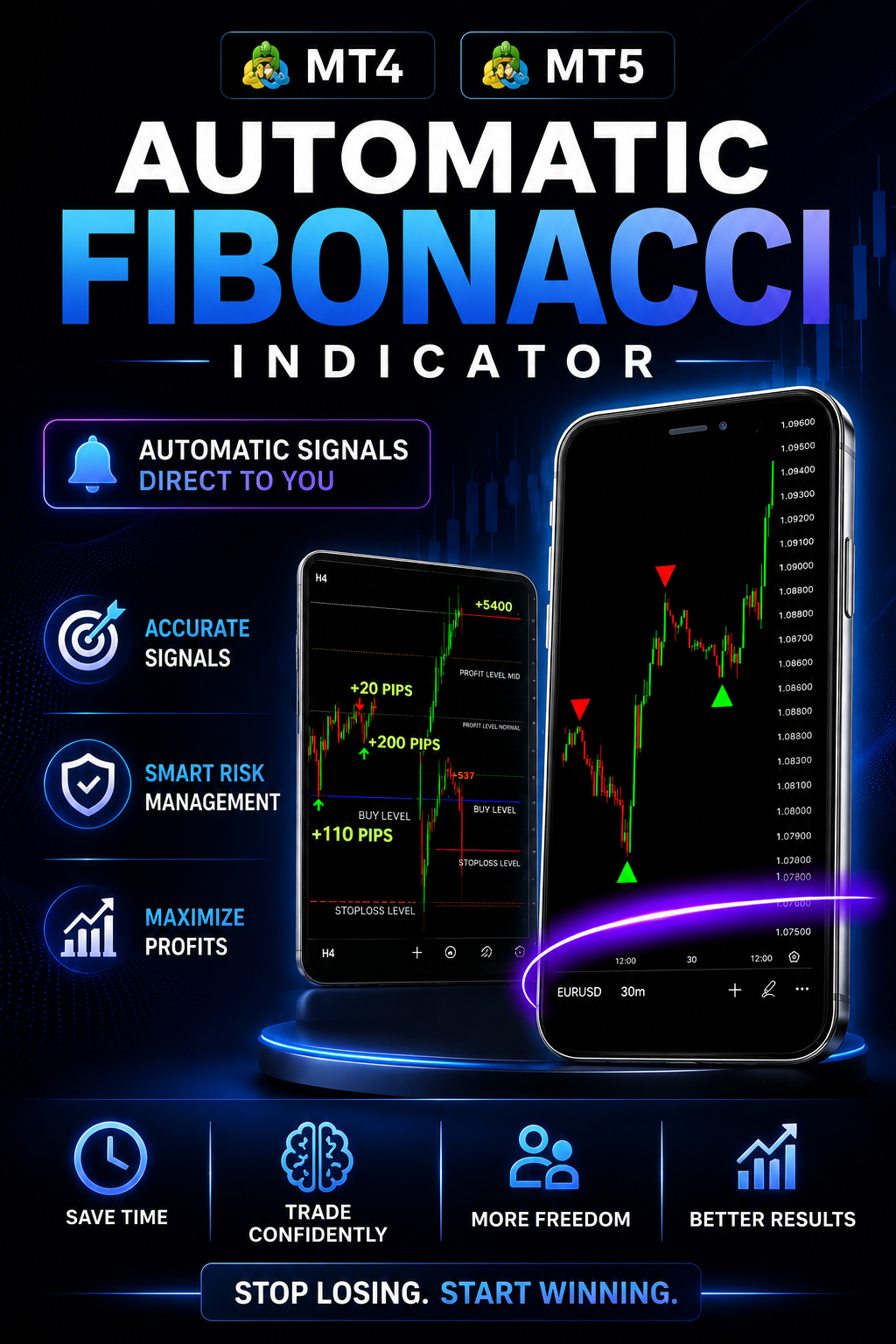
OSOK SMART FIBONACCI UPDATED + TRADE FILTER
Original price was: R1,799.00.R587.00Current price is: R587.00.
Why Are Prop Traders Switching to OSOK Smart Fibonacci?
🔥This is why we built the Trade Filter.
Others promise 95% wins. That number is fiction. We chose honest signals, locked levels, and clear exits over inflated marketing.
MT4 & MT5 Automatic Fibonacci Indicator designed to do all the hard work for you by scanning the markets and providing actionable trading signals. It's your solution to stop losing money to brokers and start trading with confidence, minus the emotional stress.
From Chart to Profit. Made Simple.
Four steps. No complexity. Let the indicator do the analysis while you take the trades.
01
Open MT4 or MT5
- Launch your trading platform.
- Attach the OSOK Smart Fibonacci Indicator to your chart.
- You're ready to trade in seconds.
02
Wait for the Signal
- The indicator scans the market automatically.
- Draws Fibonacci levels instantly.
- Plots a clear trade entry when conditions align.
03
Place the Trade
- Enter at the suggested price.
- Stop Loss is calculated automatically.
- Three Take Profit levels are provided for you.
04
Book Your Profit
- Scale out at TP1, TP2 and TP3.
- No emotional decision making.
- Let the indicator do the analysis while you live your life.
We Bought Every Fib Indicator.
Here's What We Found.
1
OTHER FIB INDICATORS
Their Fib levels repaint after the move.
It fakes accuracy. OSOK locks levels the moment they print - no shifting, no rewriting history.
2
OTHER FIB INDICATORS
They drown your chart in noise.
Most Fib tools fire on every swing. OSOK filters trades using Smart Trade Filter logic so only high-probability setups appear.
3
OTHER FIB INDICATORS
No stop loss. No take profits. Just lines.
You're left guessing exits. OSOK automatically provides your Stop Loss and 3 Take Profit levels on every signal.
4
OTHER FIB INDICATORS
Built for one market only.
OSOK works on NASDAQ, GER30 and major Forex pairs - one license, every chart.
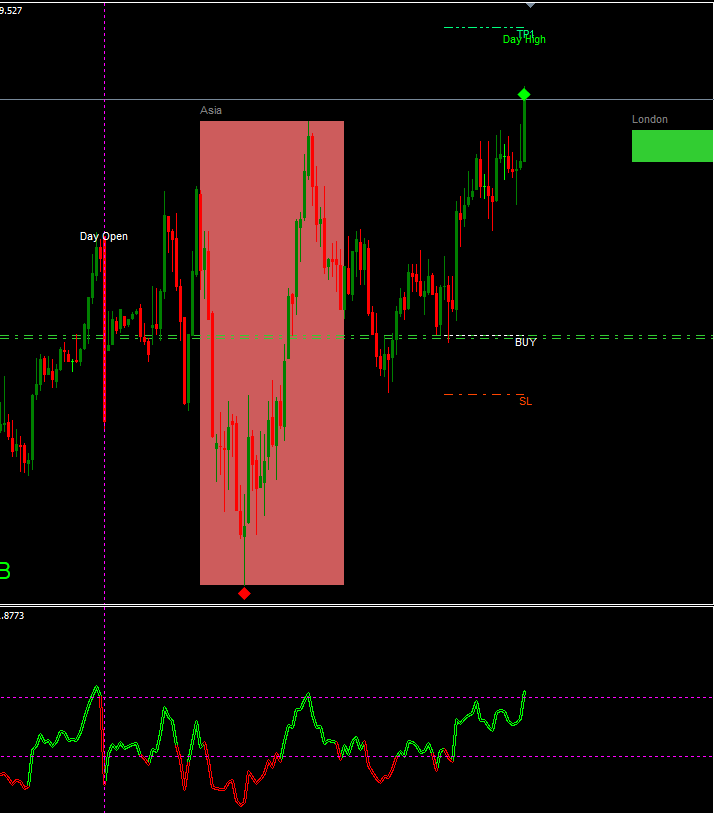
🚀 3 Profit Targets: The indicator automatically analyzes the market and provides you with three clear take profit and stop loss levels.
📊 Automatic Support & Resistance: Using advanced mathematical algorithms, the indicator generates strong support and resistance levels that you can combine with your analysis to enhance your trades.

📈 Automatic Stop Loss and Take Profit: Unsure where to set your stop loss and take profit? Let the indicator handle it for you—it calculates ideal levels for both entries and exits automatically.
💡 No More Missed Opportunities: This indicator identifies high-probability trades and displays precise entry points, so you don’t have to constantly monitor the markets. It works seamlessly on NASDAQ, GER30, and major currency pairs.
⚙️ Easy Installation: Get started in minutes with a quick and simple setup—just a few clicks and you’re ready to go.
👶 No Experience Needed: Whether you're new to trading or still finding your way, the indicator will take care of market analysis and pinpoint trade entries and exits for you.

✅ Trade with Confidence: Leave behind the stress and emotions of manual trading.
⏳ Enjoy Flexibility: Spend more time on what matters—family, friends, or your other passions—while the indicator scans the market and sends signals directly to you.
Frequent Support Questions
How long does it take to receive the indicator after payment?
Immediately after payment you receive an order confirmation email, should it lag or in the instance that you internet connection was not stable during payment and your order confirmation is not complete after payment. Send and Email or Telegram Message tot he details above and we will change your order status to complete and resend the email with your order details.
How do I Install the indicator
- Launch your MT4 platform.
- In the top menu, click File > Open Data Folder.
- In the data folder, navigate to:
MQL4 > Indicators.
Copy the Smart Fib .mq4 or .ex4 file into the Indicators folder.
- Close and reopen the MT4 platform to load the new indicator.
- In MT4, open the Navigator panel (shortcut:
Ctrl + N). - Expand the Indicators section.
- Find your custom indicator in the list.
- Drag and drop it onto your desired chart or right-click and select Attach to Chart.
Does the OSOK Smart Fib Indicator Repaint?
100% Non-Repaint, The Smart Fibonacci Indicator uses Fibonacci Retracement as the core logic, it uses the Previous day's Open, High, Low and Close (OHLC) along with the current day's price to identify the current day's trend then it applies Fibonacci Retracement Trading to Find Buy the current day's Buy and Sell Level. The data it uses is mostly fixed [the Previous day's Low and High are Static] Hence no repaint.
